Know you've accounted for every penny when you link your bank account with Clear Books. We connect with hundreds of high street banks, online banks and payment providers, so you can import transactions with ease.
Clear Books' secure bank feeds update several times a day so you can see all your bank transactions in Clear Books. View many bank accounts in one place, without needing to log into online banking, and use those transactions to create sales and purchase records and see a complete picture of your business finances.
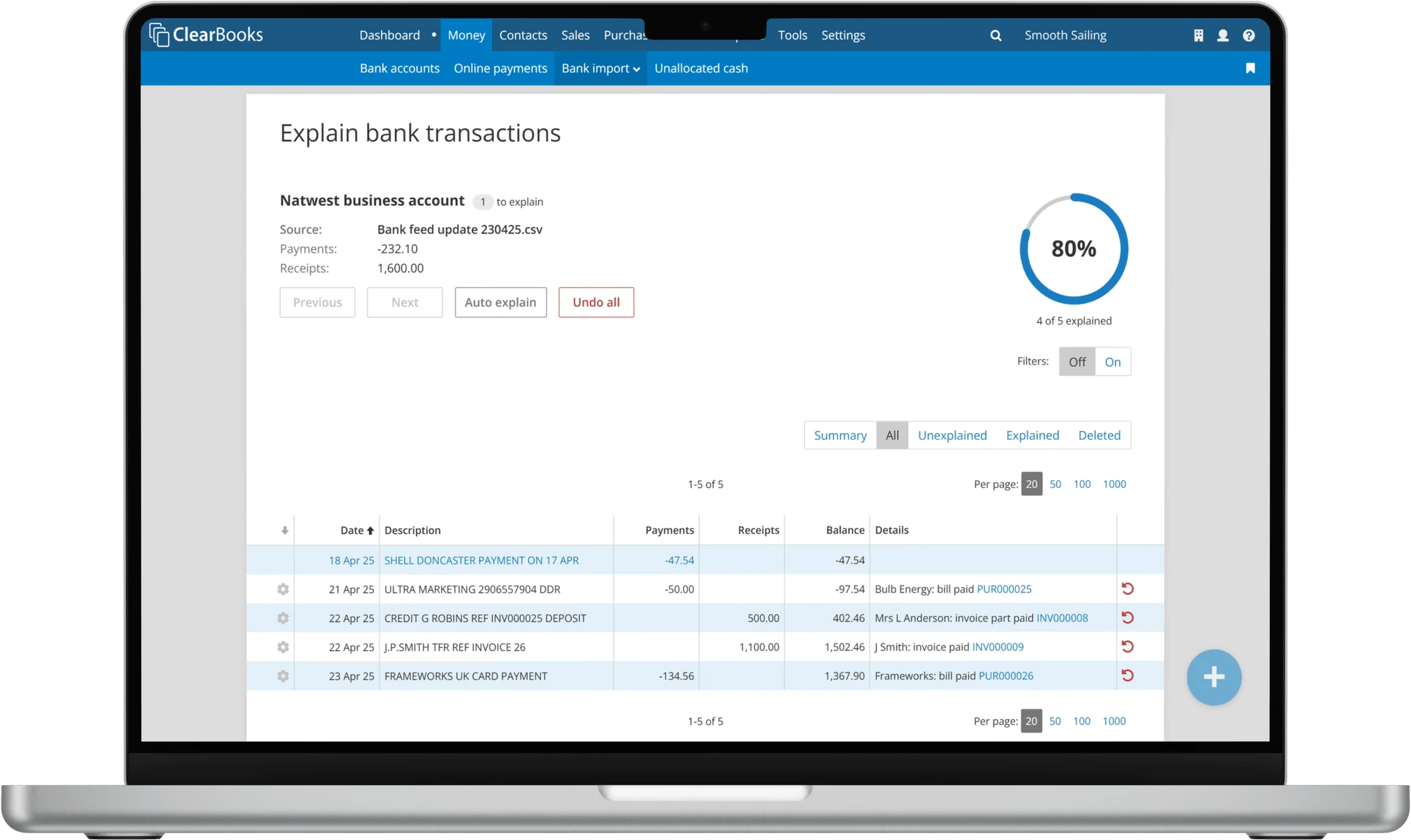
Clear Books' secure bank feeds import your transactions up to four times a day. We connect with hundreds of banks and are adding more all the time. Bank feeds are included on every paid plan, so you'll never have to pay extra for quick and easy accounting.
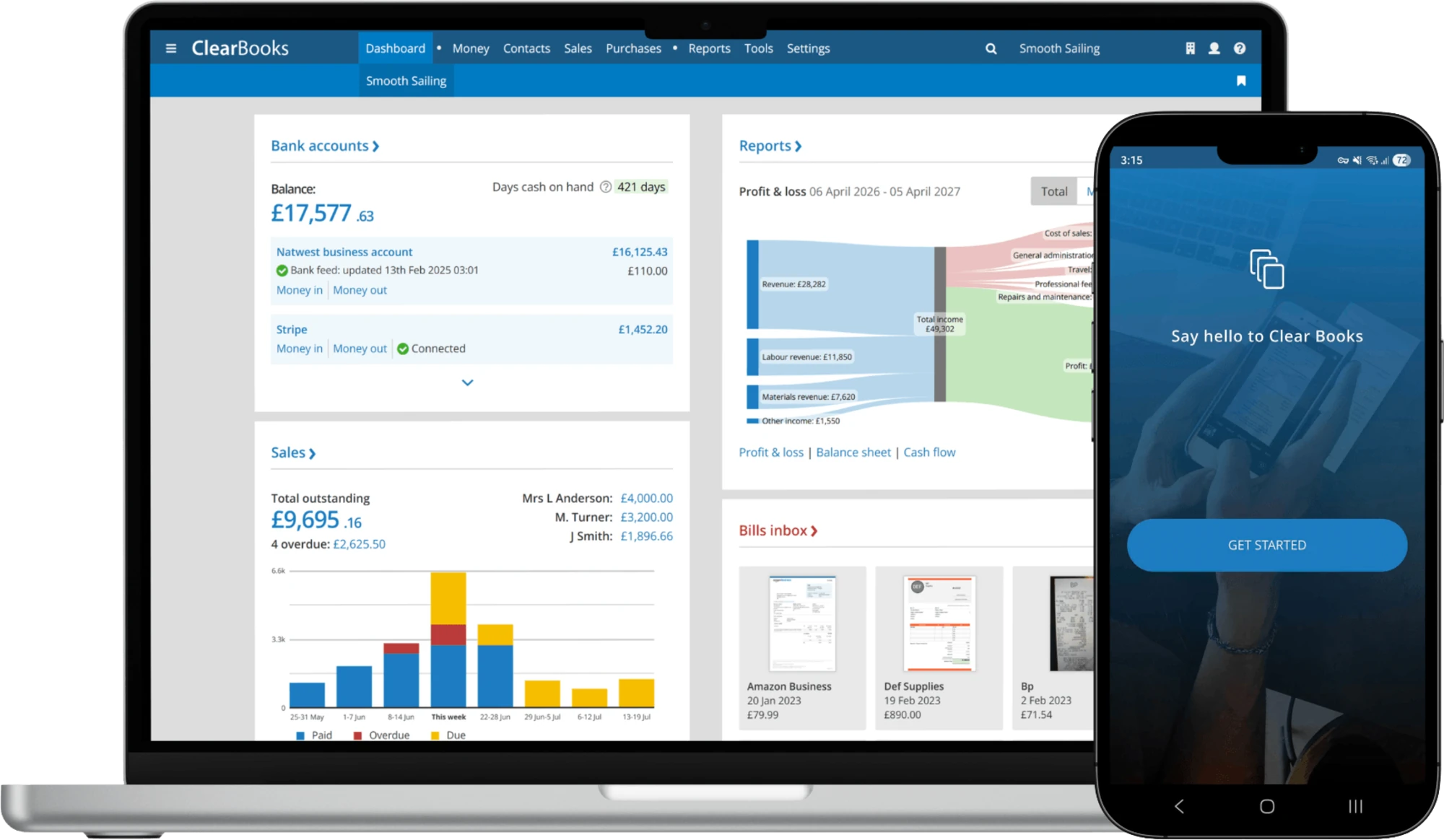
However you take payment, your feed keeps the picture up to date.
Clear Books automatically imports your bank transactions and, with Auto Explain, matches each payment to the right invoice to mark it as paid.
When Clear Books imports your bank transactions, simply categorise your takings as revenue and we'll display your sales on your dashboard.
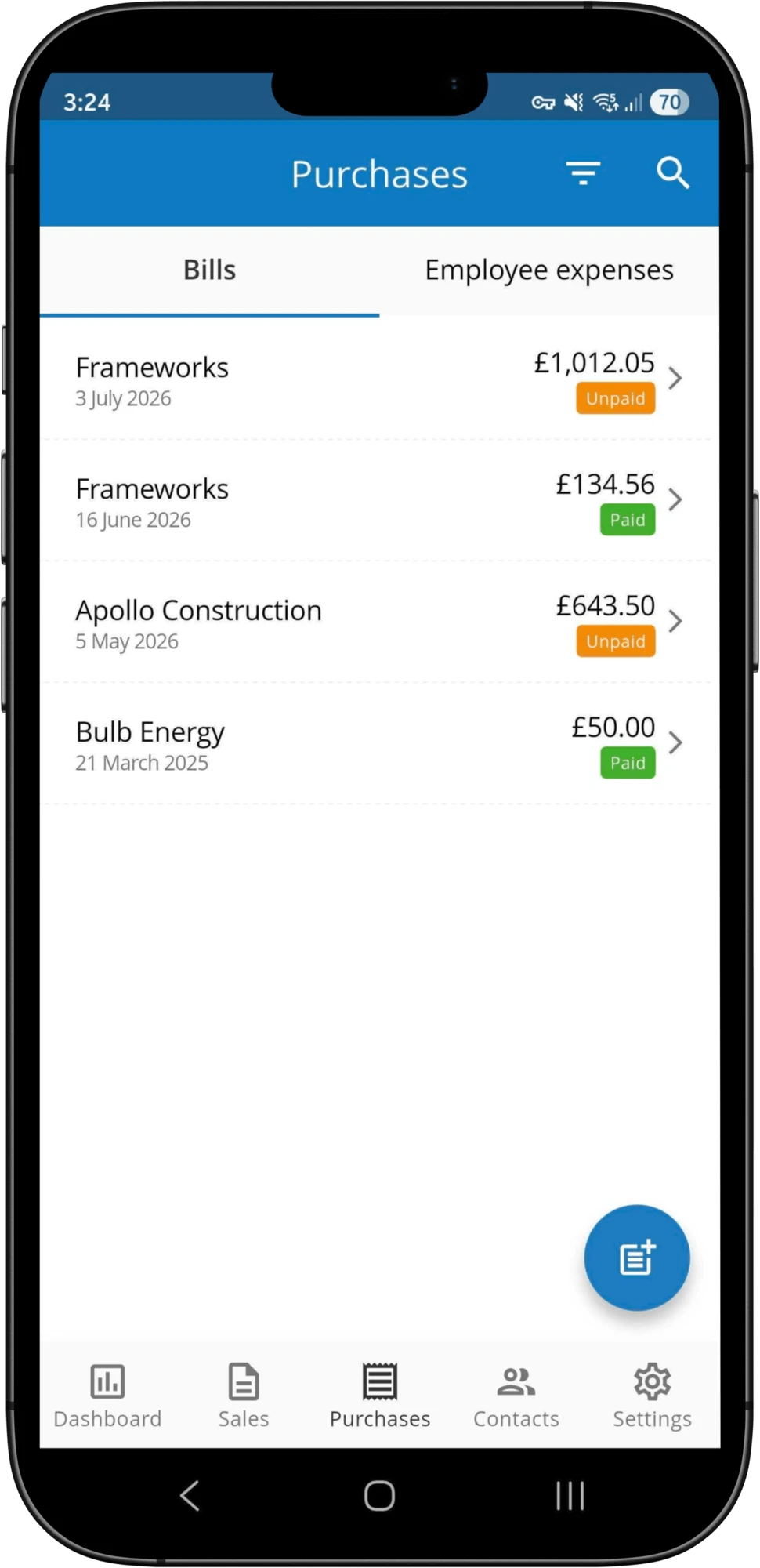
Whether you make purchases using your card or direct debit, Clear Books bank feeds show you what you've spent. Simply categorise each transaction to keep track of your bills, receipts and recurring direct debits.
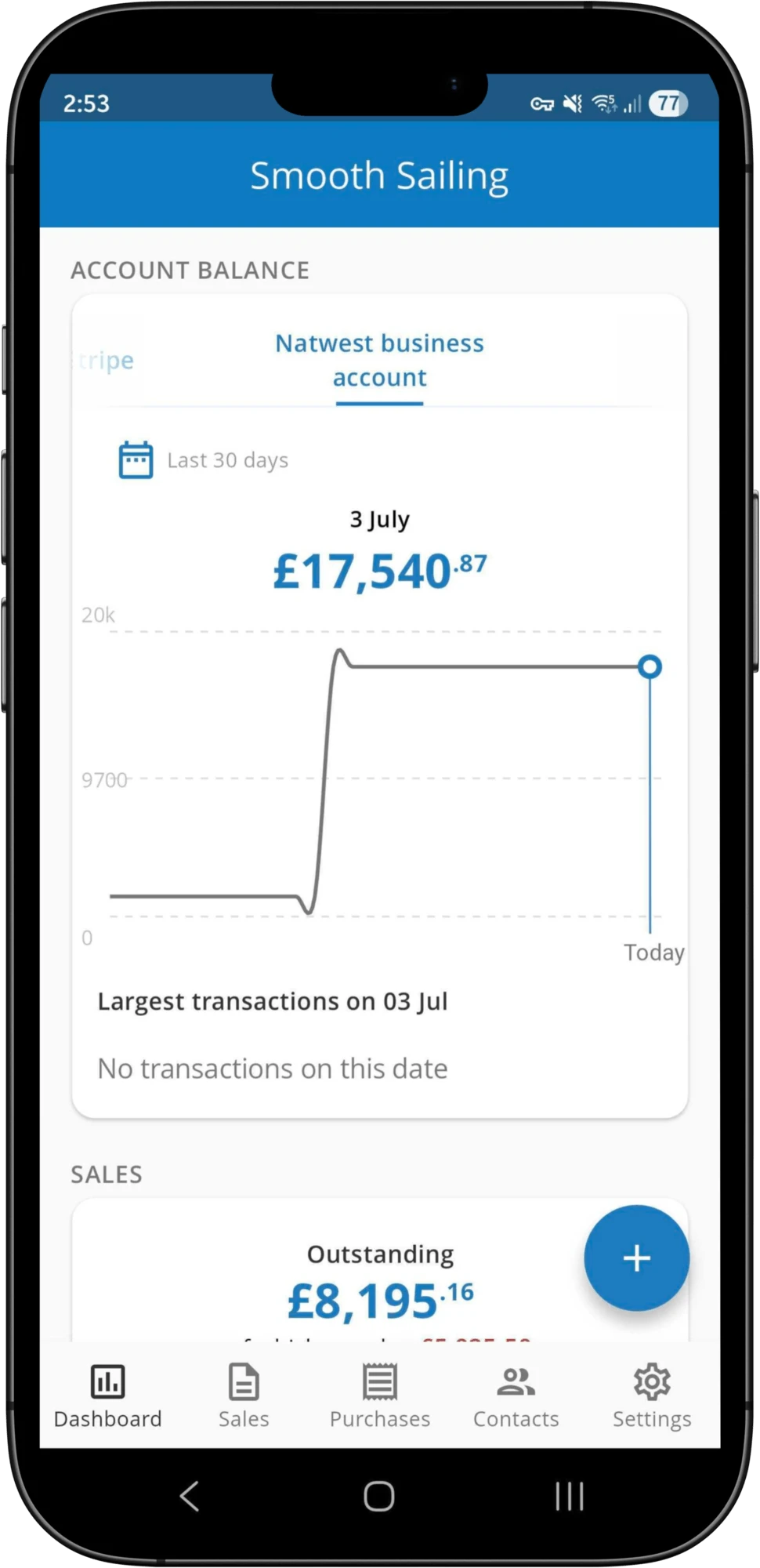
When you reconcile your bank accounts, our dashboard shows you business-critical information like outstanding bills and overdue invoices. For more detail, all your financial data is automatically compiled into reports including a P&L, Balance Sheet, Aged Debtors and Creditors, as well as HMRC recognised MTD VAT returns.
Describe and categorise each transaction by account code.
Turn on allocation rules and Clear Books will learn to mass-allocate recurring transactions.
Write your own rules based on keyword, customer or supplier to trigger automatic allocation to bills or invoices.
No commitment. Connect an account and watch the reconciliation sort itself.
