Set your base currency, then create invoices, accept payments, import bank transactions and track expenses in any currency.
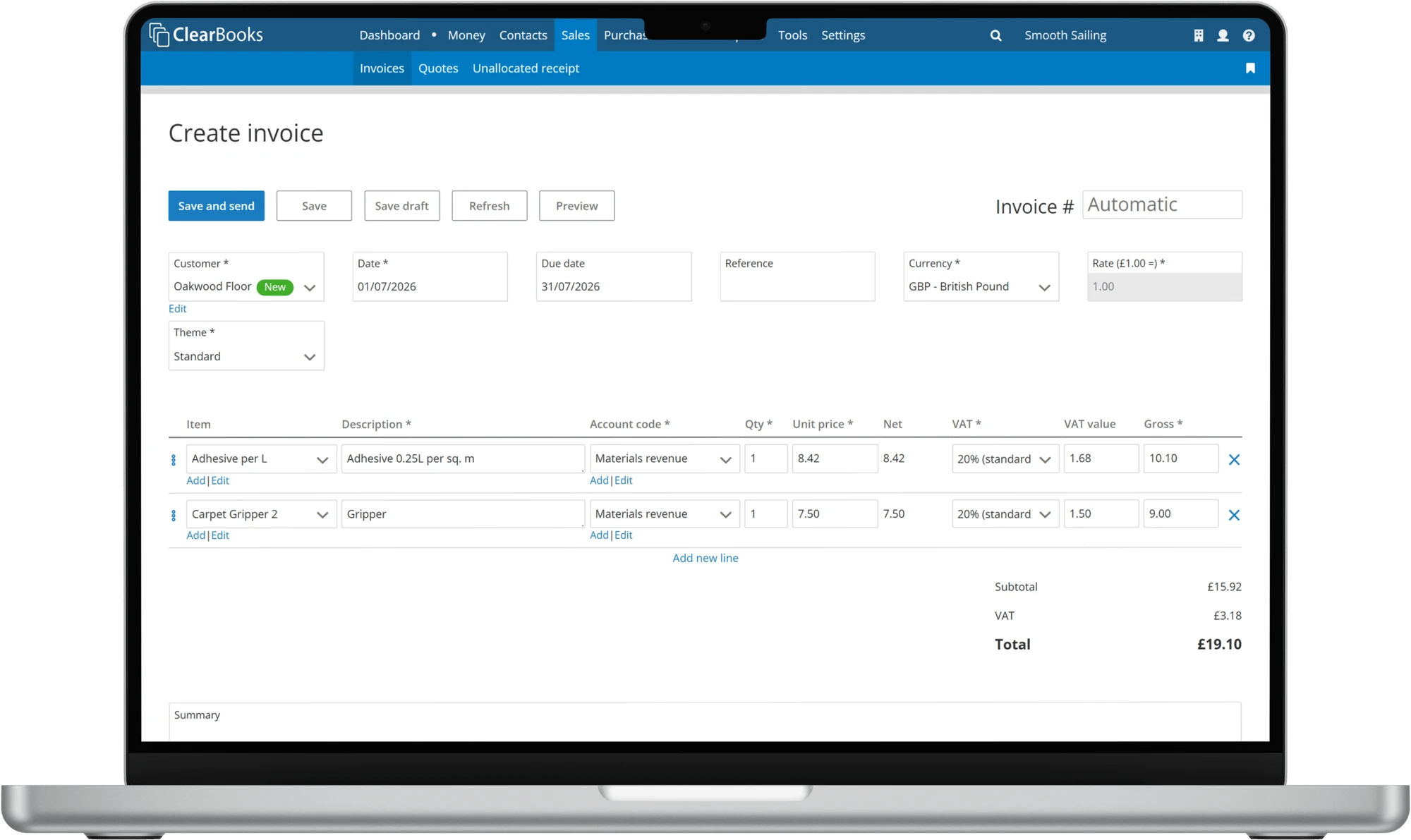
Whether you invoice overseas customers or pay international suppliers, Clear Books keeps your books tidy and your reporting in a single, consistent currency.
Choose the base currency for your account. Your dashboard, invoices, purchases and reporting all follow it automatically.
Raise invoices in the currency your customer expects, then get paid through PayPal and Stripe.
Use the XE daily rate or your own custom exchange rate to convert each transaction back to your base currency.
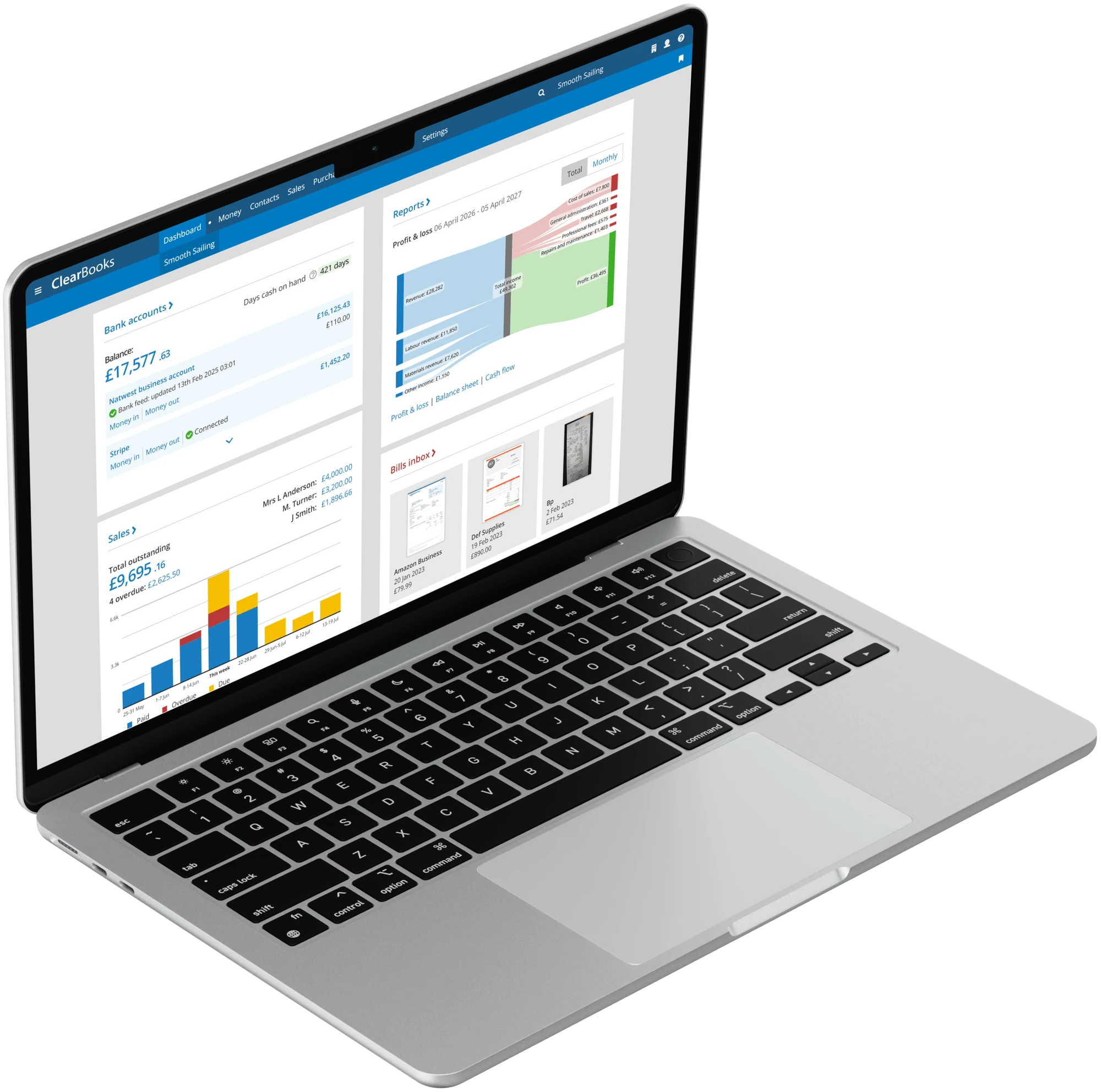
Clear Books lets you choose the base currency of your account. Your dashboard, invoices, purchases and reporting are automatically set to the currency you choose, making it easy to view your small business finances.
Bill your overseas customers in the currency they expect, and let them pay you online through PayPal and Stripe. Clear Books uses the XE daily rate, or your own custom exchange rate, to convert the value of the transaction back to your base currency.
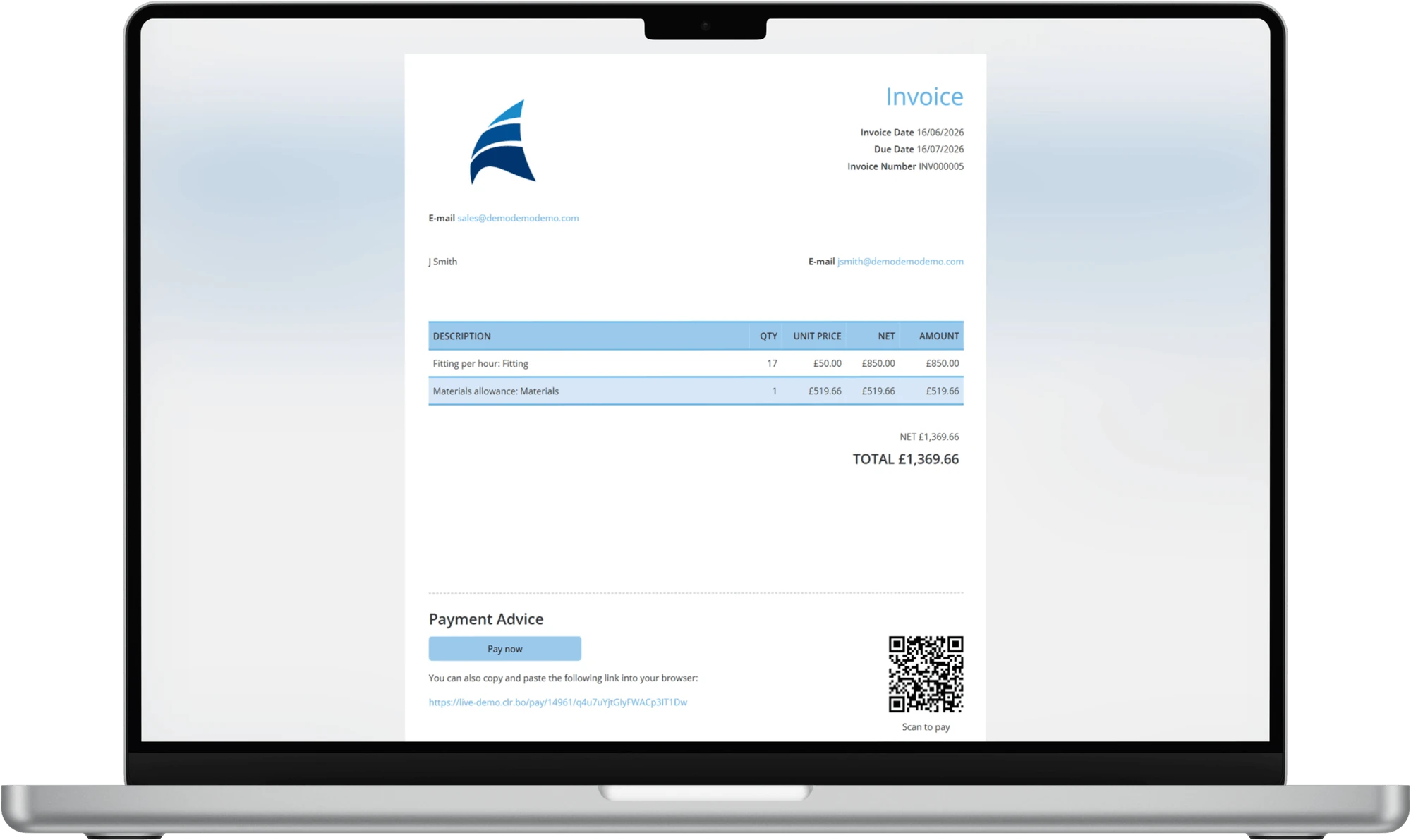
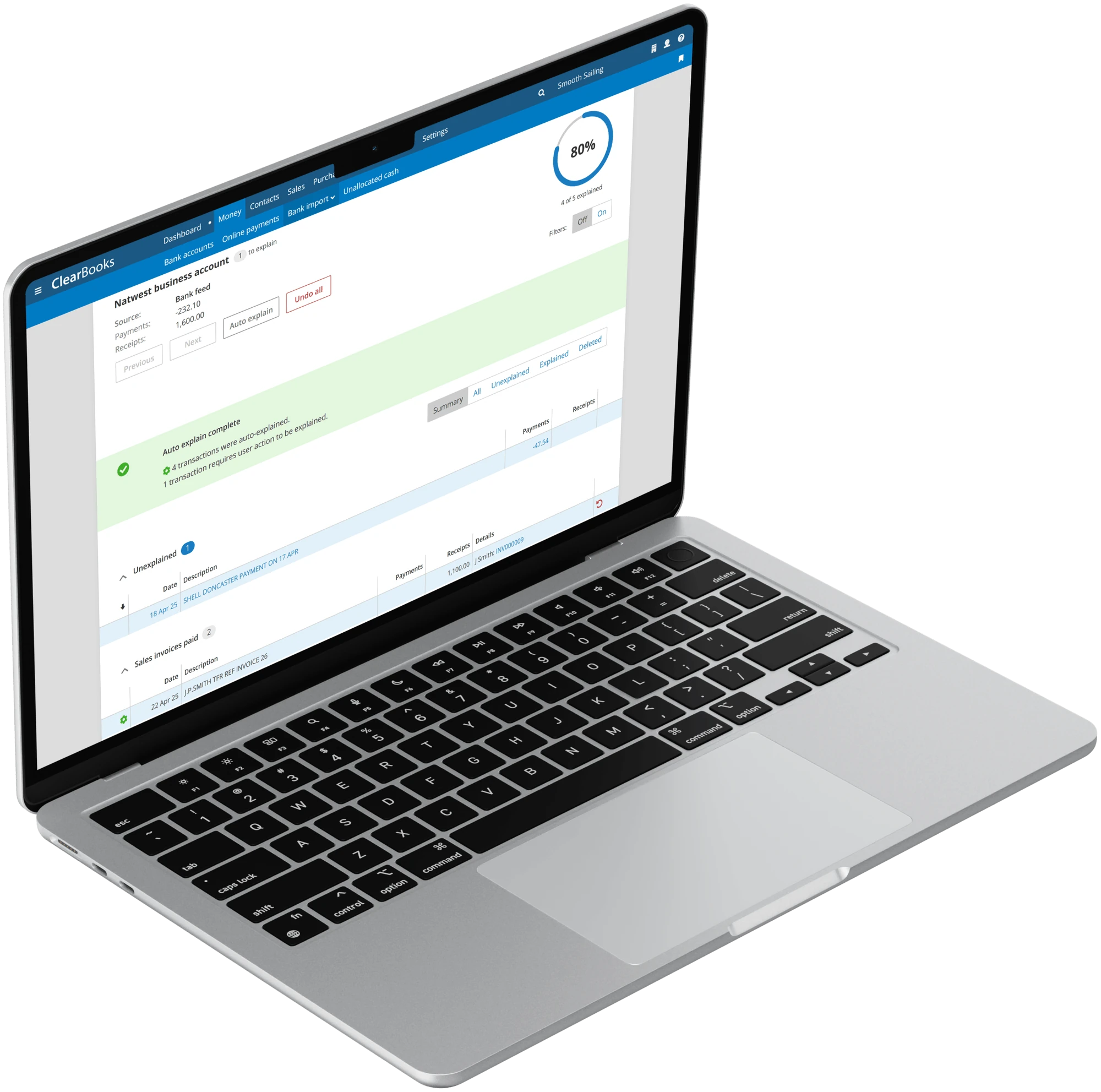
Import your international bank statements into Clear Books multi-currency accounting software. From there you can review your purchases to track bills and expenses in any currency, all converted back to your base currency for clean, consistent reporting.
"As a small business but one which needed to handle invoicing and receiving bills in foreign currencies, and having to report on multiple projects, I have found Clear Books to be great."
Clear Books is award-winning online accounting software designed for UK small businesses. Your free 30-day trial awaits.
